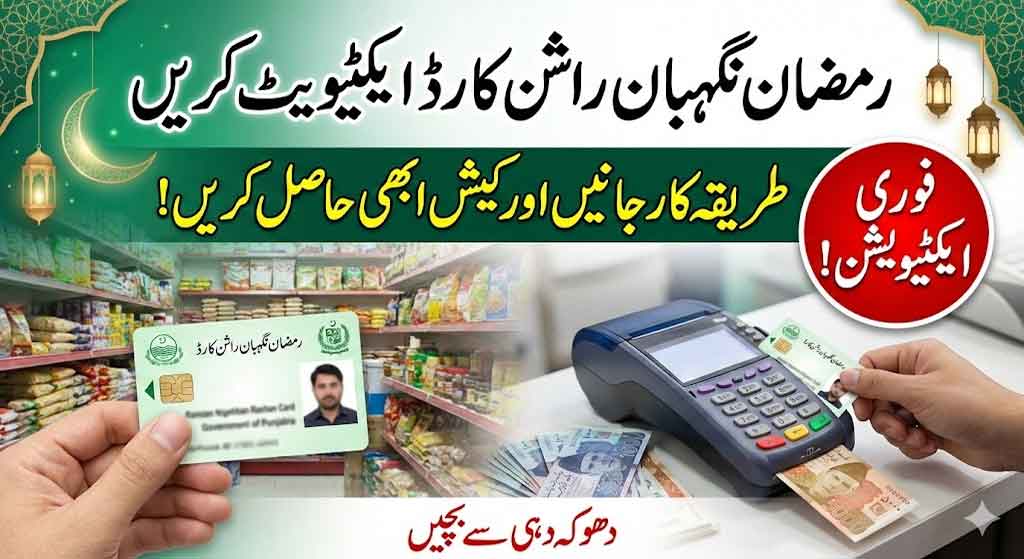
How to Activate Ramzan Nigehban Ration Card 2026 at the Bank of Punjab ATMs. Many citizens of Punjab have received CM Punjab Ramzan Nigehban Rashan Cards from the PSER teams. But they should know the activation process of Ramzan Nigehban Rashan Card 2026. After the right activation of these cards beneficiaries will be eligible to withdraw your Cash and financial help. Nigehban Ramzan Card Scheme 2026 is very popular and helpful for deserving families of Punjab Province.
How to Activate Ramzan Nigehban Ration Card 2026
Many beneficiaries of the Ramzan Nigehban Program are currently waiting for the activation of their received cards. The authorities should clearly inform them about the complete activation procedure. Otherwise, fraudsters may take advantage of the situation and scam innocent beneficiaries.
Beneficiaries should also be guided that they can use their own cards directly at registered retailers without relying on any middleman. Proper awareness and clear instructions can help prevent fraud and ensure that deserving families receive their benefits safely and smoothly.
Nigehban Ramzan Rashan Card Activation Card
The Government of Punjab has authorized and affiliated numerous device holders and retailers to facilitate the activation of beneficiaries’ Rashan cards. Additionally, the government has nominated and registered thousands of Karyana merchant stores and shops where Ramzan Nigehban Card holders can conveniently purchase essential household items such as ghee, rashan, sugar, dal, and other daily necessities.
This initiative ensures easy access, transparency, and convenience for beneficiaries to use their cards safely at officially registered retailers.
Ramzan Nigehban BOP Ration Card Online Activation Step by Step Guide
The Bank of Punjab (BOP), in collaboration with the Government of Punjab, has introduced the Ramzan Nigehban Ration Card to facilitate deserving families during Ramadan. If you have received your card, follow the steps below to activate it online:
Step 1: Visit the Official Portal: Go to the official website or portal provided by BOP or the Punjab Government for card activation.
Step 2: Enter Your CNIC Number: Provide your valid CNIC number (without dashes) in the required field.
Step 3: Card Details Verification: Enter your Ration Card number and any additional required details for verification.
Step 4: OTP Confirmation: You may receive a One-Time Password (OTP) on your registered mobile number. Enter the OTP to verify your identity.
Step 5: Submit the Application: After completing all required fields, click on the submit button.
Step 6: Activation Confirmation: Once verified, you will receive a confirmation message that your Ramzan Nigehban BOP Ration Card has been successfully activated.
Rs. 13500 Ramzan Package 2026 via BISP 8171 Wallet Account Registration
Ramzan Nigehban Card Activation Guide (Method No 1)
Step 1: Save the Bank’s Contact
-
Save the Bank of Punjab (BOP) official helpline number in your phone:
042-111-267-200 -
Open WhatsApp and send a “Hi” message to this number.
Step 2: Register Your Account
-
The bank will reply with a menu. Reply by typing 3.
-
From the next list, select the Register option.
-
Enter your CNIC Number (Note: Do not use dashes “-” or spaces).
-
You will receive a 6-digit OTP code via SMS on your phone. Type this code into the WhatsApp chat.
-
Select Accept to agree to the Terms and Conditions. Your registration is now complete!
8171 PMT Score Check 2026 By CNIC Complete Guide For Ehsaas Program
Step 3: Activate the Card
-
In the same WhatsApp chat, return to the Main Menu.
-
Reply by typing 3 again.
-
From the next list, reply with 3 once more (this is the Card Activation option).
-
Now, provide the following three details when prompted:
-
Last 4 Digits of the Card: Type the last 4 numbers printed on your Nigehban Card.
-
Expiry Date: Type the expiry month and year together. (Example: If the card shows 02/31, type 0231).
-
Date of Birth: Type your full date of birth as it appears on your CNIC (Day, Month, Year). (Example: If you were born on Jan 1st, 1980, type 01011980).
-